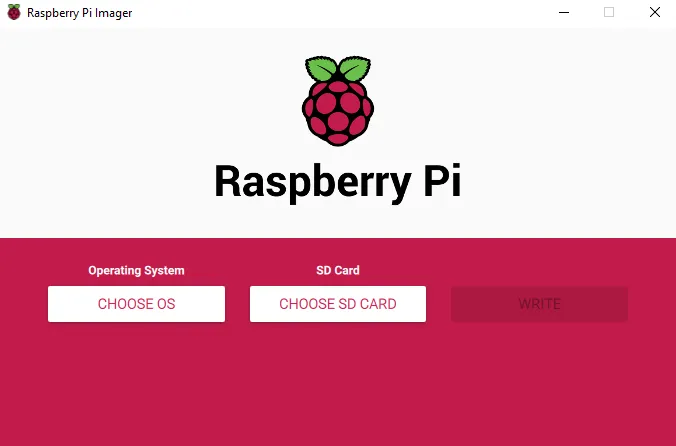
Raspberry Pi is a mini computer (aka SBC) without the peripherals like keyboard, mouse, monitor etc. Older versions of Pi(Pi 2) do not even have Wi-Fi module. A SD card needs to be inserted into the Raspberry Pi and an Operating System( OS )should be loaded on to it. To load the OS onto the SD Card, insert the SD Card into a Windows/Mac machine, use Raspberry Pi Imager and select the OS to load onto it.
SSH:
- SSH allows you to remotely access the Raspberry Pi from another machine. This is called headless mode of accessing the Pi. If you have a monitor, you can connect to the Raspberry Pi via the HDMI cable.
- You can enable ssh by create a file called ssh with no contents in it on the root folder of the SD Card after OS is loaded.
Wi-Fi:
Check this article on how to setup WiFi on the Pi without a monitor and keyboard
WiFi Dongle:
If you have older Raspberry Pi 2(like in my case), you may want to buy an Wi-Fi USB Adapter and plug it into the USB Slot of the PI. Refer to this instruction on how to setup one: https://www.electronicshub.org/setup-wifi-raspberry-pi-2-using-usb-dongle/